CNC, or Computer Numerical Control, is a method where digital instructions control the movement of tools across two to five axes, enabling precise and automated operations. It is a subtractive manufacturing process — material is removed from a solid block to sculpt an item, excelling in accuracy and repeatability.
A CNC machine consists of several key components:
On materials, combustible materials and graphene cannot be CNC machined - combustible materials pose a fire risk, while graphene dust corrodes the spindle and equipment.

Unlike drill bits, which are designed for plunging directly into materials to create holes, end mills are tailored for lateral cutting - using sharp flutes along the tool to cut sideways into material rather than vertically plunging.
There are several types of end mills, each suited to different tasks:
The flutes on an end mill also play a critical role. The number of flutes affects chip size, feed rate, and surface finish - more flutes allow for faster cutting and a better finish, while fewer flutes improve chip clearing and are better suited for softer materials.
Finally, the size of an end mill determines the depth and detail achievable — larger mills remove more material but with less precision, while smaller mills cut finer details but more slowly.
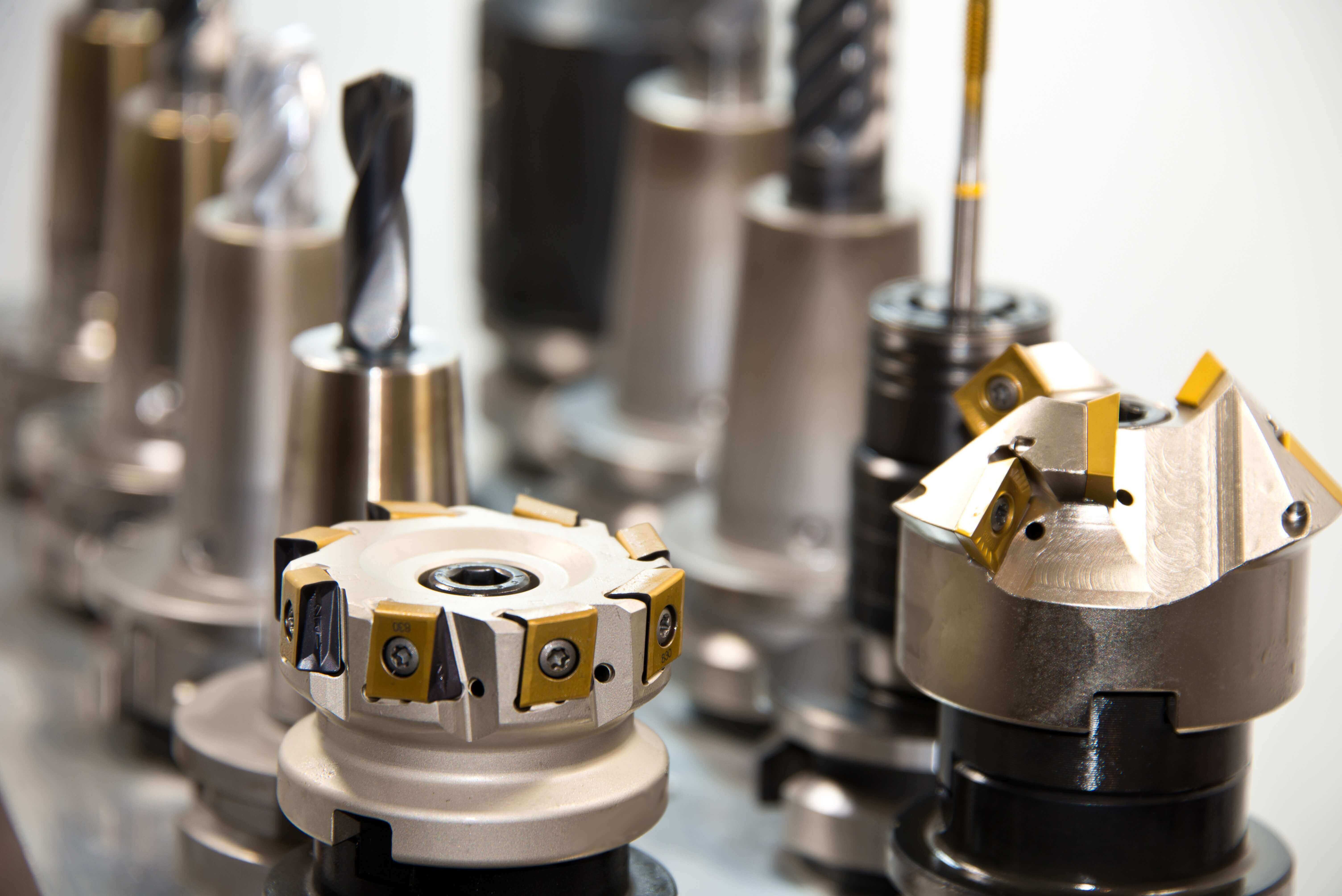
Feeds and speeds are critical parameters in machining. Speeds refer to the spindle RPM, influencing tool temperature and wear. In contrast, feeds refer to the rate at which the cutting tool advances through the material, typically measured in mm/min.
Spindle speed is calculated using the formula: Surface Metres per Minute × 318.06 ÷ Tool Diameter, while feed rate is calculated as: RPM × Feed per Tooth × Number of Flutes.
Two other key parameters are DOC and WOC:
Deep cuts can be more efficient but lead to higher forces on the tool, while shallow cuts are generally less efficient but achieve better surface finishes and extend tool life.

Mastercam is the CAM software used at UNSW Canberra to convert CAD designs into CNC machining toolpaths. It supports the full workflow from setup to simulation, ensuring safe and efficient manufacturing.
In this Section, you will learn:
This module focuses on the standard workflow used at UNSW Canberra for CNC milling.
Important:
Download the attached guide for detailed, step-by-step instructions on how to use Mastercam at UNSW Canberra.