Do it yourself · FDM
Beyond the 3D Printing Hub, a growing fleet of FDM printers lives in at UNSW Making for you to run yourself — no request form, no queue. Earn one badge, bring your own filament, and you're free to print whenever the space is open.

Self-service puts you in the driver's seat — which is brilliant for some projects and overkill for others. Here's an honest look at both sides before you commit.
Our recommendation: upload your jobs instead!
For most people, the 3D Printing Hub is the best option - just upload your files and collect your print when it's ready. Especially during
first-year coursework, you will have more than enough on your plate without having to watch a printer for hours!
If you're interested in learning the process yourself, the self-service printers are a great option once you're familiar with 3D printing. Keep in mind that
both services get busy at the same times of year, so DIY isn't necessarily faster.
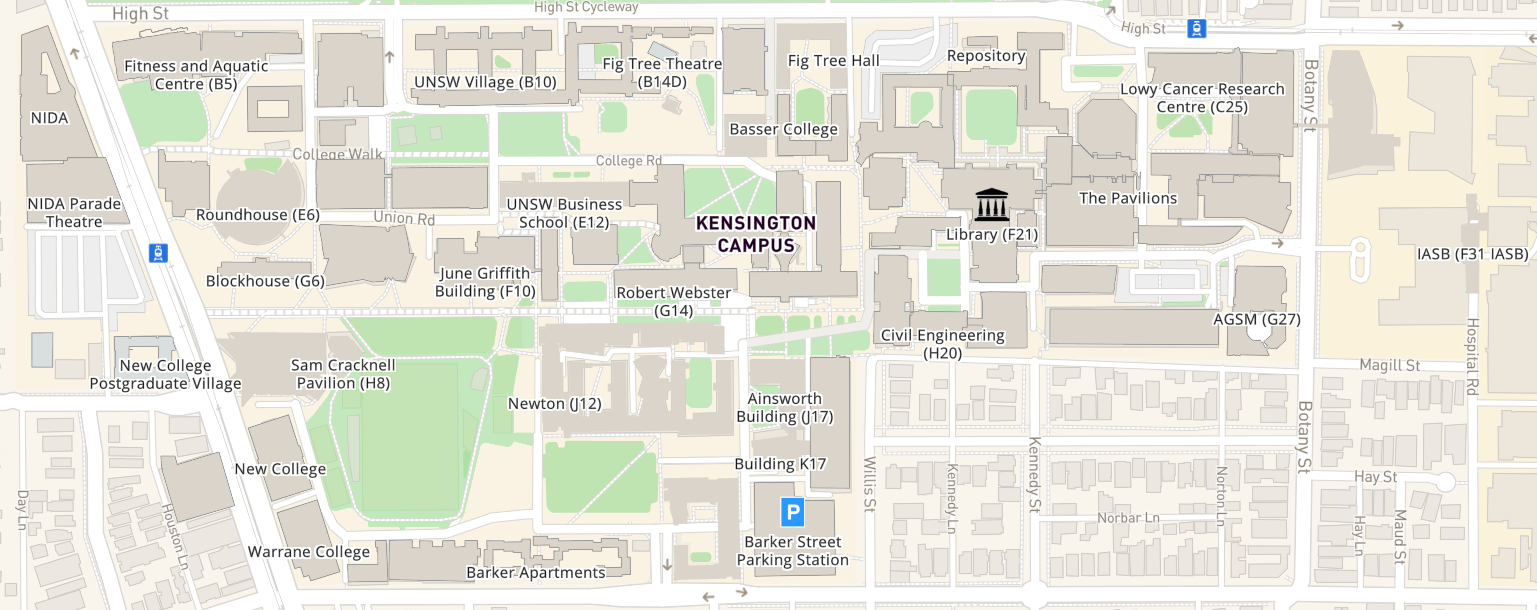
Self-service printers are now available at both Engineering and the MCIC - select a space to see what's around!
Engineering · ENG
Elec Makerspace
UNSW Founders
MCIC Makerspace
Engineering · ENG
Kirby Makerspace
Engineering · ENG
Renewables Makerspace

Art & Design · ADA
Design Futures Lab
Self-service access comes down to two prerequisites. Tick both and you'll unlock access for your entire time at UNSW.
The DIY 3D Printing badge is how you get inducted on these machines and how they work in the makerspace. Already a 3D printing enthusiast? You still need it — but once you have it, you're set for your whole time at UNSW.
DIY printers run your filament. It's usually cheapest to buy online, but if you're caught short, the ENG Filament Shop can sell you our high-quality, 90%-recycled filament in a pinch. The closest brick-and-mortar seller to campus is Jaycar Alexandria. At MCIC, staff may provide filament for genuinely innovative projects — just pitch your idea.
Forgot your filament? The Elec Makerspace sells high-quality, 90% recycled filament by the kilo — exclusive to makers with the DIY 3D Printing badge. It's more expensive than buying online, so it's best for when you're caught short. Prices are current at time of writing; the pricing schedule is always the source of truth.
Standard · 90% recycled
Everyday filaments, sold as 1 kg refills.
Rigid, easy and superb detail — the everyday default.
Water-tight and tougher than PLA — good for mechanical parts.
Engineering & flexible
Tougher and more specialised materials.
UV- and weather-resistant — happy to live outdoors.
Semi-flexible — a firm rubber for tough, bendable parts.
Grab a reusable spool
Refills come as bare 1 kg coils — buy a reusable spool once and bring it back each time. (TPU-68D already comes on its own spool.)
Filament is usually cheaper online, so stock up ahead of time — but if you're mid-project and run dry, come and see the team in the Elec Makerspace.
Get the badge
Get your DIY 3D Printing badge, bring your filament, and start printing on your own terms across the makerspace network.
Get your DIY 3D Printing badge