A full range of 3D printing technologies, open to the entire UNSW community. Submit a file — our team does the rest.
Start a ProjectTotally new to 3D printing?
No experience needed. Our beginner guide walks you through everything — from choosing the right technology to picking up your first part.
Each technology has distinct strengths and trade-offs — there's no universal best option. The right choice depends on what you're making, your material, and how much detail you need.
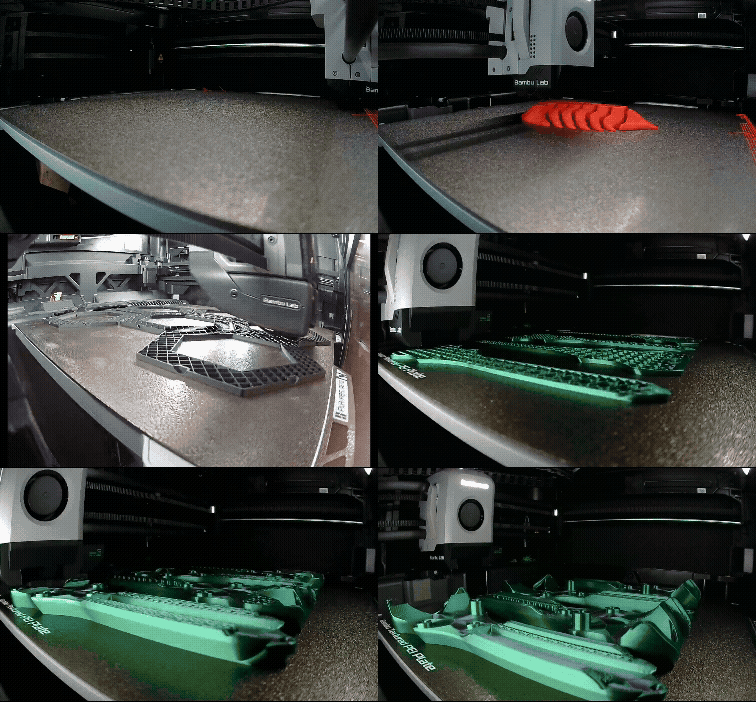 FDM
FDM
The most widely used 3D printing process. Melted filament laid down layer by layer — ideal for functional prototypes, jigs, and large structural parts.
Learn about Filament Printing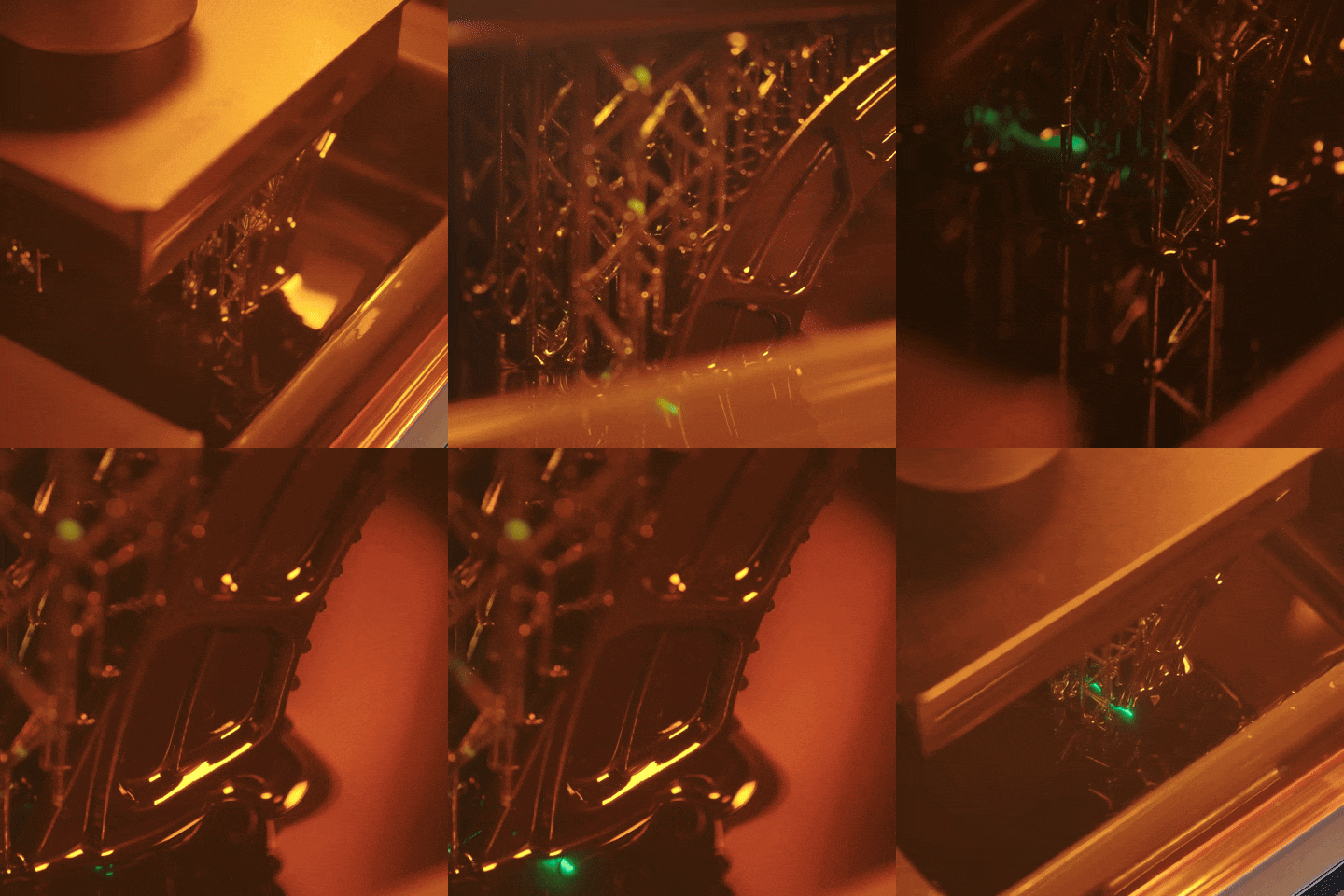 SLA / MSLA
UV light cures liquid resin with exceptional detail — perfect for intricate geometries, figurines, dental models, and jewellery.
Learn about Resin Printing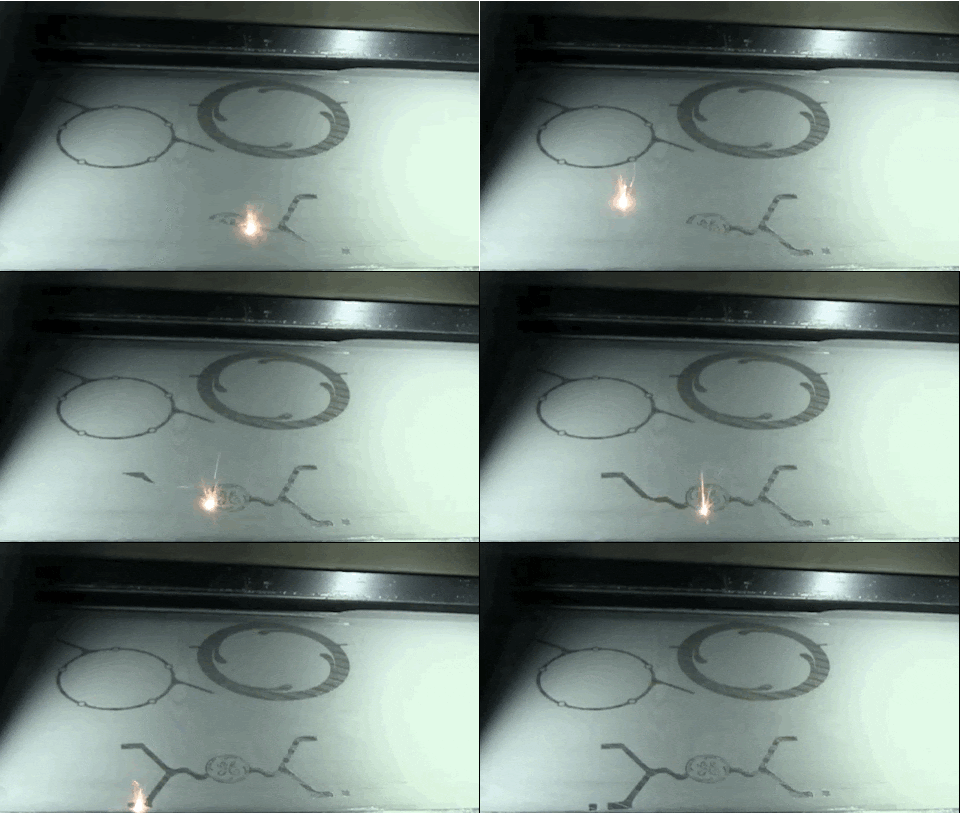
SLS, CFF, and Clay printing for advanced research and specialist fabrication needs.
Explore all processesFrom idea to object in four steps.
Start with a 3D model in Fusion 360, SolidWorks, Blender, or grab a free download from Thingiverse. We accept STL, OBJ, and 3MF files. Not sure where to start? Browse our design resources.
Upload your file, choose a material and technology, and submit through our online form. We'll review it and confirm a quote and timeline.
Sit back while our team preps and runs your print. You'll get a notification when it's done — no need to babysit the machine.
Collect your finished part from the nearest UNSW Makerspace at your convenience. Our staff are on hand if you need post-processing help.
Want to go further?
Earn the DIY 3D Printing Badge and get hands-on access to a limited number of 3D printers, set aside for Do-It-Yourself printing.
Just turn up and print, no 3DP Hub request required!
Best for anyone who is already knowledgeable with 3D printing and doesn't mind nursing their own jobs.
All UNSW staff and students have access to the hub for any project! Undergraduate coursework has priority however, and as such research and personal projects may be delayed during peak demand at the end of term.
There's no universal best option — each technology has distinct strengths and trade-offs. As a rule of thumb: FDM suits functional parts and larger prints; resin (SLA/MSLA) excels at fine detail but has size limits; and specialist processes like SLS and CFF are for specific material or structural requirements. See each technology's page for a deeper breakdown.
Any software that exports mesh files (STL, OBJ, etc.) will work, although we particularly recommend either Fusion 360 or Onshape, as both are free for students and are relatively powerful software packages. See our CAD Starter Guide for a lay of the land and further recommendations.
Lead times vary dramatically depending on queue volume, part size, and technology. While standard filament (FDM) prints are typically ready within 1–3 business days, more complex or specialist jobs may take longer!
Pricing varies depending on the material and technology — it's best to check out our pricing schedule for the most up to date prices. There are also some courses that arrange for prepaid prints within our hub, so make sure you write down your course code when completing the form for coursework.
Yes! For most projects the 3DP Hub service is the fastest option — no training needed, just upload and go. If you want hands-on access, earn the DIY 3D Printing Badge — once badged, you get access to a limited number of dedicated Do-It-Yourself FDM machines — just turn up and start printing.
Our 3D Printing network includes locations all across UNSW campus (and beyond) — you'll get instructions on when and where to pick up your prints via email. If you have more questions about 3D printing technologies, head to the Digital Fabrication Lab if you're an Arts and Design student, or the Engineering 3D Printing Hub for everyone else.
Still confused?
Whether you're stuck on a design, not sure which technology to choose, or just want to know if your idea is printable — drop by and say hi! We'd always rather chat in person than over email, especially when our inbox is flooded during term.
Most of UNSW
ELEC MakerspaceArt, Design & Architecture
Digital Fabrication LabCan't make it in?
Email us